Moving to a new Salesforce environment carries real weight for an Australian business — customer records, sales pipelines, and years of configuration all have to arrive intact. Salesforce migration is rarely just a technical lift; it changes how sales, service, and marketing teams work together the moment the new org goes live.
Certified consultants treat every migration as a business transition first and a data transfer second, so day-one operations stay steady while the platform underneath gets stronger.
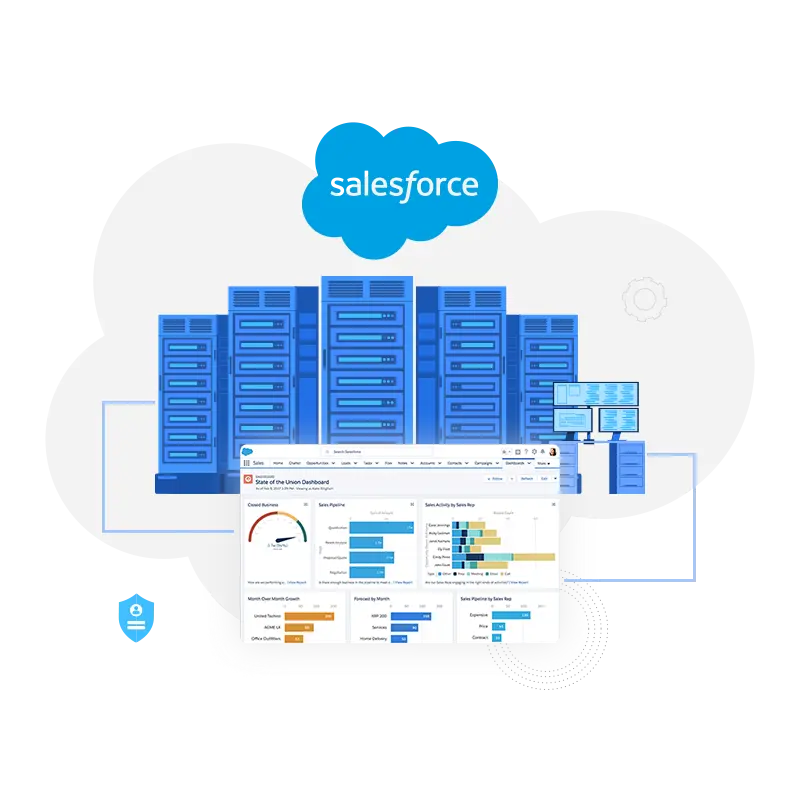
A modern Salesforce Org does more than store data, it becomes the operating system for sales, service, and marketing teams. Salesforce Migration Services exist to make that shift safe: cleaning up years of workarounds, reshaping automation around how the business runs today, and removing manual steps that slow teams down during growth.
Reliable Salesforce Migration Expertise turns a platform move from a risk into a genuine upgrade:

A single Salesforce Org brings sales, service, and marketing teams onto shared data, cutting down on duplicate records and mismatched customer histories across departments.

Automated business processes shorten delivery cycles, helping Australian teams respond to market demand and new opportunities without the usual lag.

Optimised workflows and automation remove repetitive manual tasks, freeing teams to focus on higher-value work instead of data entry and follow-ups.

Expert-led execution, data encryption, and zero-downtime delivery keep day-to-day operations protected while the platform changes underneath them.
Every Australian business arrives at Salesforce migration from a different starting point — a legacy CRM, a Classic org overdue for Lightning, or two companies merging systems after an acquisition. The path matters as much as the destination, which is why migration work is scoped around the systems already in place rather than a fixed template.
Salesforce Classic no longer receives new features, and the interface gap shows up in daily user complaints long before it becomes a technical emergency. Salesforce Lightning migration services handle the interface rebuild, component customisation, and user enablement needed to get teams working confidently in Lightning from week one.
Businesses coming from third-party CRMs, spreadsheets, or multiple Salesforce Orgs rarely fit a generic migration template. A Salesforce data migration consultant maps the data to match how the business actually operates, carrying across the workarounds and institutional knowledge that a copy-paste migration would otherwise lose.
Teams moving off HubSpot, Zoho, Microsoft Dynamics, or a legacy custom system need more than top-level fields matched — every record gets audited and reconciled through the same salesforce crm migration discipline, since a broken lookup relationship or missing custom field tends to surface only after go-live.
Bringing two or more Salesforce Orgs into one environment means reconciling duplicate records, conflicting automation, and overlapping permission sets without disrupting either team’s daily work.
Org mergers often bring Salesforce service cloud migration into scope too, particularly when two support teams are consolidating case queues and knowledge bases.
CRM data migration services do not end at go-live. Record counts, validation rules, and automation triggers get checked again once teams are back in the org day-to-day, often paired with a full Salesforce health check a few weeks after launch.
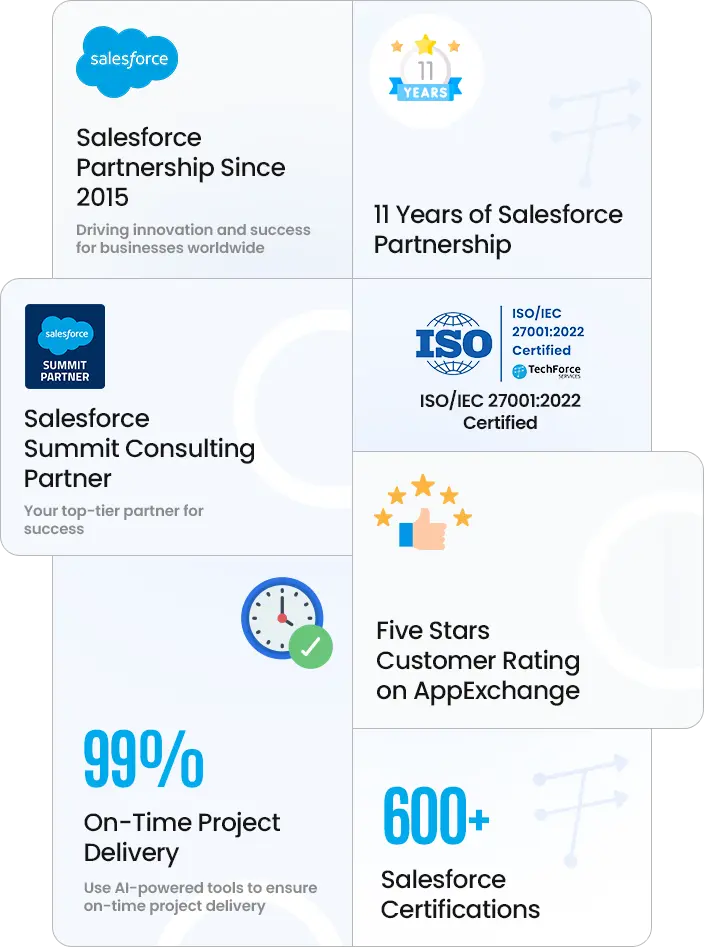
A migration that goes well rarely feels dramatic — data arrives intact, automations keep firing, and teams barely notice the cutover happened. That consistency comes from a structured process built on 11+ years of Salesforce migration work across different industries, not from moving fast and fixing problems after the fact.
For any business migrating to Salesforce from a legacy system or spreadsheets, this first step surfaces duplicate records, orphaned fields, and data-quality issues before they become expensive later.
Third-party integrations already in use get catalogued here too, since missing one can break a workflow nobody realises depends on it until after go-live.
A scalable data model gets built or refined based on where the business is headed, not just where its records sit today, supporting the reporting and automation needs that come with growth rather than replicating the existing structure.
Workflows, approval processes, and validation rules move across alongside the data, drawing on the same technical depth covered in TechForce Services’ Salesforce development work with custom objects and Apex automation.
A detailed field-level map keeps the migration accurate rather than approximate, resolving duplicate entries and inconsistent formatting before a single record moves, so the import lands clean the first time.
A Salesforce data migration consultant runs the transfer using Salesforce-approved tools, validating record counts at each checkpoint.
Quality checks and user training happen before the org goes live, not after, with the same team staying involved through the first few weeks of day-to-day use to catch anything testing missed.
Businesses handling personal customer information carry specific obligations under the Australian Privacy Principles during a system change, and migration planning accounts for that from the data-mapping stage onward rather than as an afterthought once records have already moved.
Delivery timelines are also built around Australian business hours rather than routed through an offshore handoff that adds a day to every review cycle.
Running a Salesforce migration in-house means pulling admins and ops staff off their regular work for weeks — often without the specialised experience needed to catch mistakes before they turn into months of cleanup.
Specialists who focus on Salesforce migrations bring that experience already: duplicate-record edge cases, complex object relationships, large data volumes. A dedicated migration lead and a scoped project plan agreed upfront keep the work lower-risk, whether delivered as full project ownership or staff-augmentation support.
For a one-off migration, bringing in a Salesforce data migration partner is usually more cost-effective than building that capability in-house for a project that won’t repeat for years.
A good fit if:
Over a decade of hands-on Salesforce delivery means fewer surprises and a migration process refined through real project work across industries, not just documentation.
Certified Salesforce Summit Partner status reflects a track record of successful migrations across industries and company sizes, from small teams to large enterprises.
From initial analysis through post-go-live support, certified Salesforce migration tools guide every phase of the process, keeping risk low and return on investment measurable.
Data governance, encryption protocols, and access controls apply throughout migration, with compliance built into each step rather than checked at the end.
No two migrations look the same. Whether the work involves a Classic-to-Lightning move, a cross-cloud transition, or complex system integrations, the plan gets shaped around the specific goals involved.
Salesforce data migration services succeed or fail on how well the destination org reflects real day-to-day work, not just a clean copy of old records.
Transparent communication and proactive support — including ongoing support, enhancements, and change management — keep priorities aligned well beyond the go-live date itself.
ISO 9001 and ISO/IEC 27001 certification back the same security and quality practices applied to every migration.
Salesforce Migration Services cover the full move between platforms or Salesforce orgs — system evaluation, data model design, automation transfer, field-level data mapping, secure execution, and post-go-live validation. Scope adjusts based on whether the move is Classic-to-Lightning, a CRM switch, or a full org merge.
Timelines vary with system complexity. A straightforward Classic-to-Lightning migration can run a few weeks, while a full CRM switch or multi-org merge with heavy customisation typically takes longer once data cleansing and automation rebuilding are factored in.
Yes. Records, fields, and workflows from platforms like HubSpot, Zoho, or Microsoft Dynamics get mapped to Salesforce objects rather than rebuilt from scratch, so historical data and reporting continuity carry across.
Relevant factors include Salesforce certification depth, experience with the specific migration type involved, a documented security approach, and clarity on what post-go-live support is included.
They cover the same underlying shift — moving off Salesforce Classic onto the Lightning platform — though a full lightning platform migration service typically also addresses custom code, third-party integrations, and automation that a basic UI upgrade would leave untouched.
Beyond Salesforce certifications, useful signals include experience migrating custom Visualforce or Apex components to Lightning equivalents, a clear testing process before go-live, and post-migration support for user adoption issues.
Encryption, access controls, and governance checks apply at each stage of the transfer, with record counts validated against the source system before the old environment is retired.