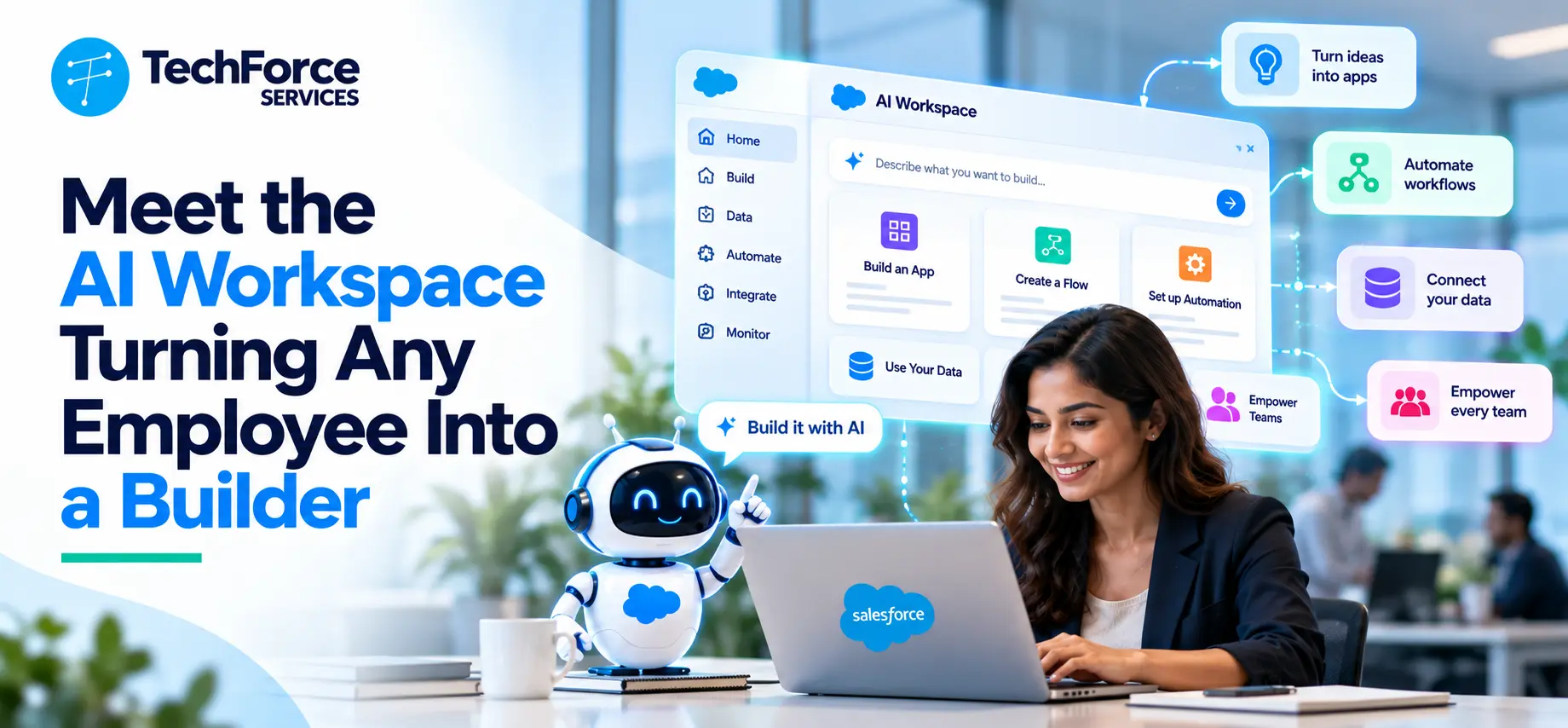
An AI Workspace brings app building, agent building, and deployment into one place instead of five different tools.
It reduces shadow IT because teams no longer need to smuggle company data into an outside AI app builder to get something done.
Anyone on the business side can use a no code AI app builder to turn an idea into a working app in an afternoon, not a sprint.
Testing and compliance checks run automatically, so an agentic enterprise rollout doesn’t depend on someone remembering to check a box.
It hooks into the Salesforce DevOps pipeline you already have, so builds still go through proper review before anything ships.
Every IT Team Is Running Into the Same Wall
Ask any IT leader what’s slowing them down and you’ll hear some version of the same answer: the business wants new apps and AI agents faster than anyone can build them. McKinsey’s 2025 State of AI survey found that 62% of organizations are already experimenting with AI agents, but most still don’t have a safe way to build and govern them at scale. That gap between wanting one and being able to ship one safely is where an AI Workspace is meant to help.
Here’s what usually happens when that gap shows up. A team can’t wait on IT, so they sign up for some outside AI app builder, feed it company data, and get something working, until a security review flags it. People call this shadow IT, and it’s a trade most teams don’t realize they’re making: a quick win now in exchange for data sitting outside company control, integrations nobody documented, and a compliance headache waiting to happen later.
An AI Workspace is really just an attempt to remove the reason people go around IT in the first place, by giving everyone – admins, business users, and developers, one place to build that’s actually fast enough to use.
If you’re trying to work out where something like this fits into your own Salesforce setup, it helps to get a second opinion before committing to a direction. Our AI solutions team does this kind of assessment regularly.
So What Is an AI Workspace, Really?
Strip away the marketing and an AI Workspace is just a shared place to build: one spot where business users, admins, and developers create apps and agents in plain language instead of code. You’re not bouncing between a design tool, a scripting tool, and a separate testing setup. It’s one environment that handles all of it, and it already understands your org’s data and permissions, so nothing it builds feels bolted on afterward.
From AI App Builder to AI Agent Builder, No Code Needed
Most people start small. They just want to turn an idea into something that works, and that’s the AI app builder side of it: describe what you need, watch it get built. The same workspace also doubles as an AI agent builder, so once you’re comfortable with simple apps, you can move on to agents that take action instead of just showing information.
Because it’s a no code AI app builder underneath, the people who understand the problem best, not necessarily the developers, can get a working version out the same day. If you’d rather start from something pre-built instead of from scratch, TechForce’s Agentforce implementation services layer ready-made agent templates on top of this same no-code foundation.
Why a No Code Platform Beats a Pile of Separate Tools
Outside builder tools are easy to try and annoying to live with long-term. They don’t know anything about your business, so someone ends up exporting schemas by hand and writing one-off integrations just to connect the thing back to the systems it’s supposed to work with.
A proper no code platform skips that step. It reads your company’s metadata directly, so whatever gets built already understands how your business runs. If you’re running a low code AI platform alongside other custom systems, that native context is often the whole difference between shipping in a few days and getting stuck in review for weeks. And when something genuinely needs custom work beyond what no-code can do, that’s where TechForce’s development services come in.
Keeping Things Governed in an Agentic Enterprise
None of this matters if it isn’t secure. IBM’s research on shadow AI shows a pattern that keeps showing up: when the approved tools aren’t fast enough, people quietly route company data through tools nobody vetted. An AI Workspace deals with this by inheriting a user’s existing permissions and org setup automatically, so company data doesn’t have to leave the building to get something built.
That’s really the difference between an actual enterprise agentic AI platform and a generic builder: every agent it creates still answers to the same rules the rest of the business already follows, which is table stakes for any agentic enterprise trying to move past a handful of pilot projects.
Salesforce DevOps: Making Sure Nothing Breaks
A faster way to build is only useful if what comes out of it can actually go live without causing problems. That’s where Salesforce DevOps comes in. Every app or agent still goes through testing, safety checks, and approval before it touches production. This matters more as AI agent development spreads across a company, because one agent with too much access can touch records and workflows well outside what it was meant to do.
Pairing a no-code builder with real DevOps discipline is what lets admins move quickly without betting the org’s stability on it. Teams that get this right from day one usually bring in specialist DevOps support instead of figuring out pipelines after something’s already gone wrong.
Getting Started
Most AI Workspace tools are still in beta. You can build apps and agents, look at your metadata, and deploy to a sandbox with one click, with more deployment options expected as the products mature. The practical move isn’t to wait for every feature to land. Pick one workflow, run it through, see how the guardrails actually behave, and expand from there. If you want someone to look at how this fits your org’s existing automation and security setup before you plan a whole roadmap around it, TechForce’s Salesforce consulting team can walk through that with you.
FAQ
What is an AI Workspace?
It's a shared, governed place where business users and developers build apps and AI agents in plain language, manage environments, and deploy safely, instead of stitching together separate tools.
How is an AI Workspace different from a standalone no code AI app builder?
A standalone no code AI app builder usually works on its own and needs manual integration to reach your company data. An AI Workspace already knows your org's metadata and permissions, so what you build is contextual and secure from the start.
Does an AI Workspace replace Salesforce DevOps?
No, it works alongside it. Everything built in the workspace still goes through the same testing, safety checks, and deployment controls your DevOps pipeline already runs.
Can business users really build AI agents without coding?
Yes. A no-code AI agent builder lets someone describe what they need in plain language and get a working agent, while admins still keep oversight through built-in governance and approval steps.
Is an AI Workspace secure enough for the agentic enterprise?
That's what it's built for. Since it inherits existing permissions and org settings automatically, enterprise agentic AI stays accountable to the same rules as everything else in the business, instead of operating outside them.